What platforms does this work with?
If your overlay platform can load a browser source, Caddie runs. Facebook Live, Instagram Live, eBay Live, YouTube, Whatnot, whatever you're on. The thing they all have in common is: you're live and someone is asking what you have.
What can I sell with it?
Anything with a name, a price, and a photo. Cards, sneakers, comics, video games, jewelry, storage unit finds. If you can describe it in a search box, Caddie can find it.
Can I try it before I pay?
Yes. Fourteen days of full Pro access, no card required. If it's not for you, let the trial lapse and you're not billed.
Does the early adopter price lock in forever?
Yes. The price you sign up at is the price you pay. Cancel and come back later and you'll pay whatever we're charging then, which won't be $10. So don't cancel.
How hard is the overlay setup?
One URL, pasted in as a browser source. You've added a browser source before. This is that.
What is Caddie Watch?
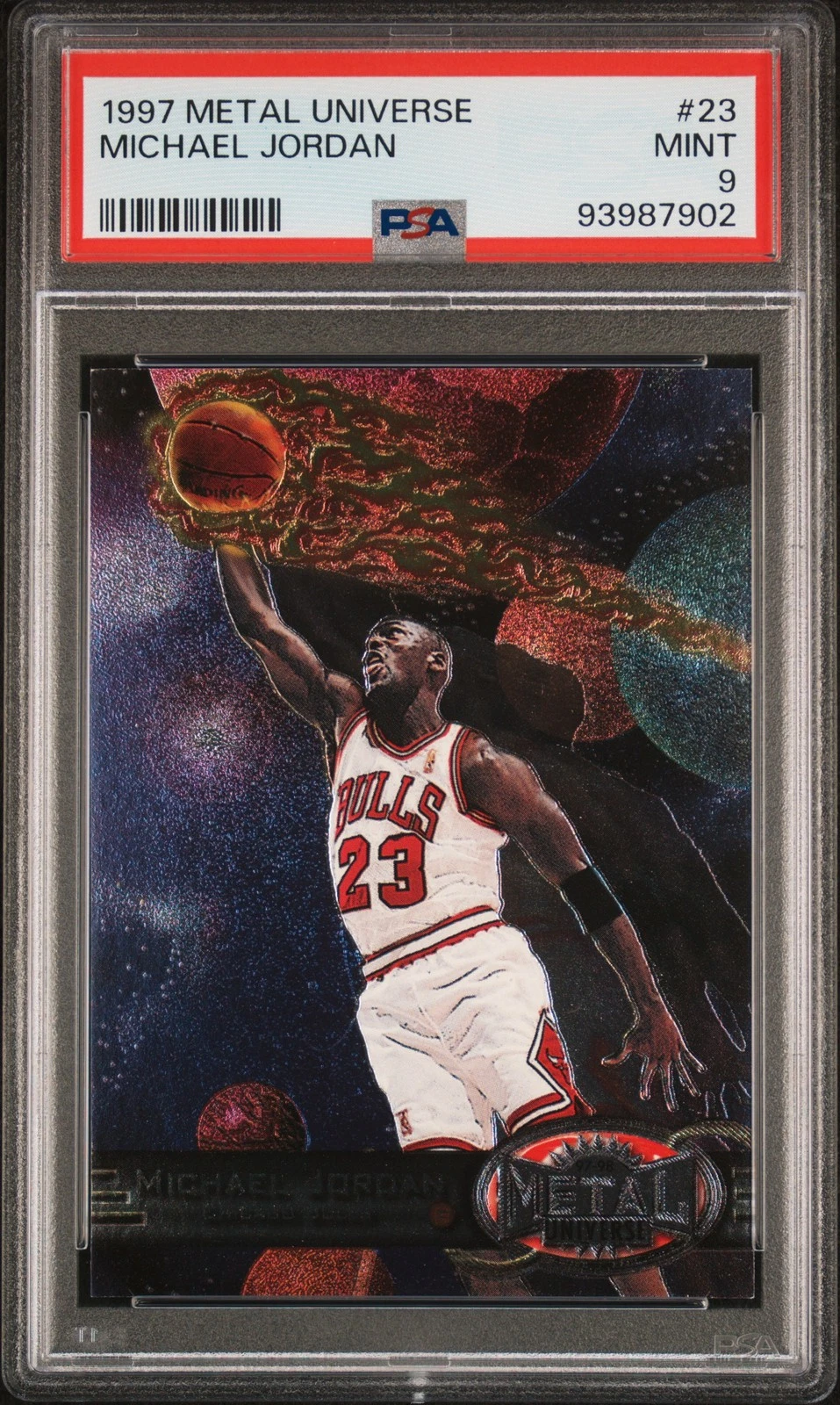
Caddie Watch is a Pro feature that reads your stream chat live. When a viewer asks "got any Jordans?" or "anything PSA 9 or better?", it detects the request and surfaces matching items from your inventory in the dashboard, before you've typed a word. Tap the result to push it to your overlay.
What's the difference between Starter and Pro?
Starter covers the core: up to 20 items, instant search, and one-click overlay push. Pro removes the inventory cap, adds Caddie Watch (live chat intent detection), stream analytics (lost bidders, bid heat, missed sales, push-to-sale correlation), overlay customization, and Stream Deck integration (in beta). If you're doing volume or want to stop manually tracking what buyers are asking for, Pro is the move.
Is Caddie built for Whatnot specifically?
Caddie is built with Whatnot sellers in mind. Caddie Watch reads Whatnot chat natively. The overlay works on any platform that supports a browser source: eBay Live, TikTok Shop Live, Facebook Live, YouTube, wherever you stream.
Can I upgrade from Starter to Pro later?
Yes, in one click from your dashboard. The upgrade is instant and prorated - you only pay the difference for the remaining days in your billing period. Your inventory, overlay settings, and account history all carry over.
Does Caddie message anyone for me?
No. It reads your own chat and pushes cards to your own overlay. It doesn't touch Whatnot on your behalf, ever.
I can just load my inventory right into Whatnot. Why would I pay for something my Whatnot shop does for free?
Your Whatnot shop is for buyers browsing between streams. Caddie is for you, during the stream, when someone asks what you have and you have about four seconds before they move on.
Your shop isn't pushing card images to your OBS overlay. Your shop isn't searching your inventory while you're mid-sentence. Your shop is not watching chat for buyer requests and surfacing them before you even see them. That's three things your shop doesn't do, happening live, while you're on and people are actually watching.
But sure. Minimize Caddie. Go find that item.
Chat's moving.
 getcaddie.now